
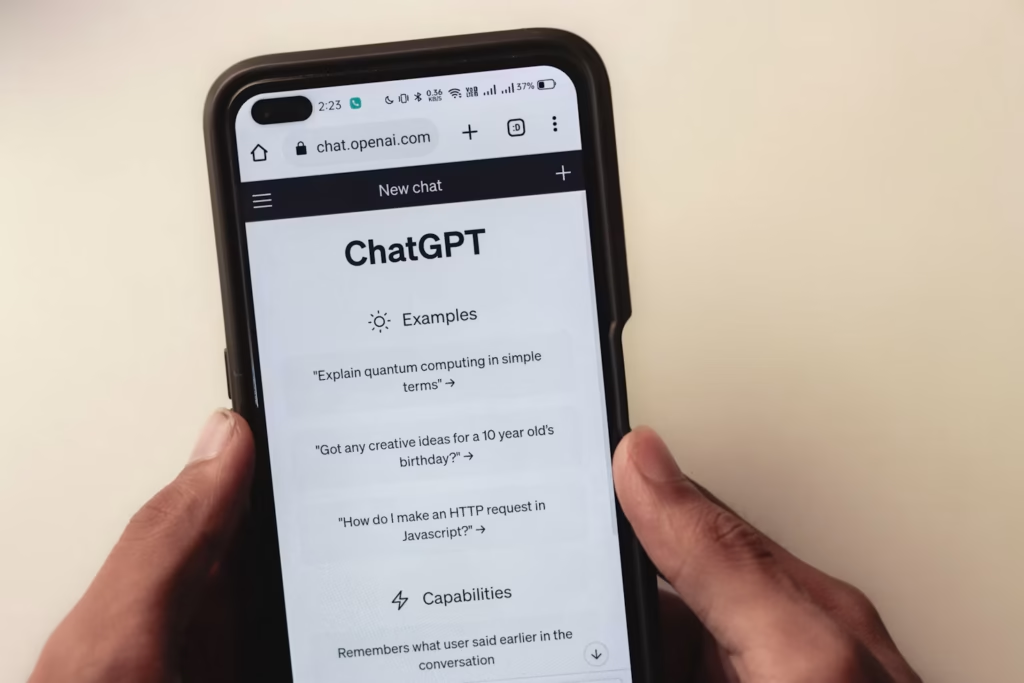
Many people search for how to change ChatGPT phone number after they switch carriers, lose access to an old SIM or find an outdated number in their account. The honest answer is important before you spend time on the wrong steps: OpenAI’s official help article says it does not offer an option to change or update the phone number linked to an account, for ChatGPT or the OpenAI API. This guide, written on November 1, 2026, explains what you can do instead.

Quick Answer: Can You Change Your ChatGPT Phone Number?
No, not directly. OpenAI’s help center states that it does not offer the option to change or update the phone number associated with your account. There is no switch in ChatGPT settings to replace a number. Your best options are to secure your account with other sign-in methods, contact OpenAI support through its help center, or create a new account if you cannot recover the old one.
Why You Cannot Change the Phone Number
OpenAI has said that phone verification is used to limit abuse and prevent a single number from being used to create many accounts. Community discussions describe a limit on how many accounts one phone number can verify. Because the number is part of that protection, the company does not let users swap it on an existing account. Users have repeatedly asked for a change option, and forum threads show many people facing the same issue.
Step 1: Check Your Sign-In Methods
Before anything else, make sure your account is secure. Go to your account settings and review how you sign in. If your account also has a working email address, you can keep using that email to sign in even when the old phone number is no longer active. Update your password if you suspect unauthorized access, and sign out of devices you no longer use.
Step 2: Try the Login Method You Still Have
- Open the ChatGPT login page and choose the sign-in option that does not need the old phone.
- If the account uses an email and password, reset the password through the email you can still access.
- If a verification code is sent to the old number, check whether another option, such as an authenticator app or email code, is offered.
If none of these work, you will need OpenAI’s support team.
Step 3: Contact OpenAI Support
Use the help center at help.openai.com and the help assistant in the lower-right corner. Explain the issue clearly. Include the email address on the account, the old phone number ending, the date you last accessed the account and what you need, such as account recovery or a sign-in method change.
Support responses can take time, and some users report that replies come slowly. Keep your message short and factual, and avoid sharing your password in any message.
When to Create a New Account Instead
If you cannot recover the old account and it has no important history, creating a new account may be simpler. Use an email address you control and a phone number that is not already linked to too many accounts. Be aware that conversation history and subscriptions do not automatically move to a new account, so check your billing and export any important chats first if your settings allow it.
Common Scams to Avoid
When people search for a phone number change, scam sites and fake support accounts often appear. Be careful with anyone who asks for your password, verification codes or payment to “unlock” your account. OpenAI support will not ask you to share a verification code in a chat message. Use only official OpenAI domains.
Frequently Asked Questions About Changing a ChatGPT Phone Number
Can I remove my phone number from ChatGPT?
Not through settings according to OpenAI’s help center. Contact support if you have a specific privacy concern.
Will my chats be lost if I create a new account?
Chats are tied to the original account. A new account starts empty, so back up anything important before making a change.
Can I use a different phone number on a new account?
You can try, but phone verification rules limit how many accounts one number can verify. If verification fails, use a different number or email sign-up option where available.
Final Thoughts
You cannot change the phone number on an existing ChatGPT account, according to OpenAI’s official help. Secure the account with the sign-in method you still control, contact support if you are locked out and create a new account only as a last resort. For more AI guides, visit our AI Tools category.
Account policies can change. Check OpenAI’s current help center before you act.



Leave a Reply