
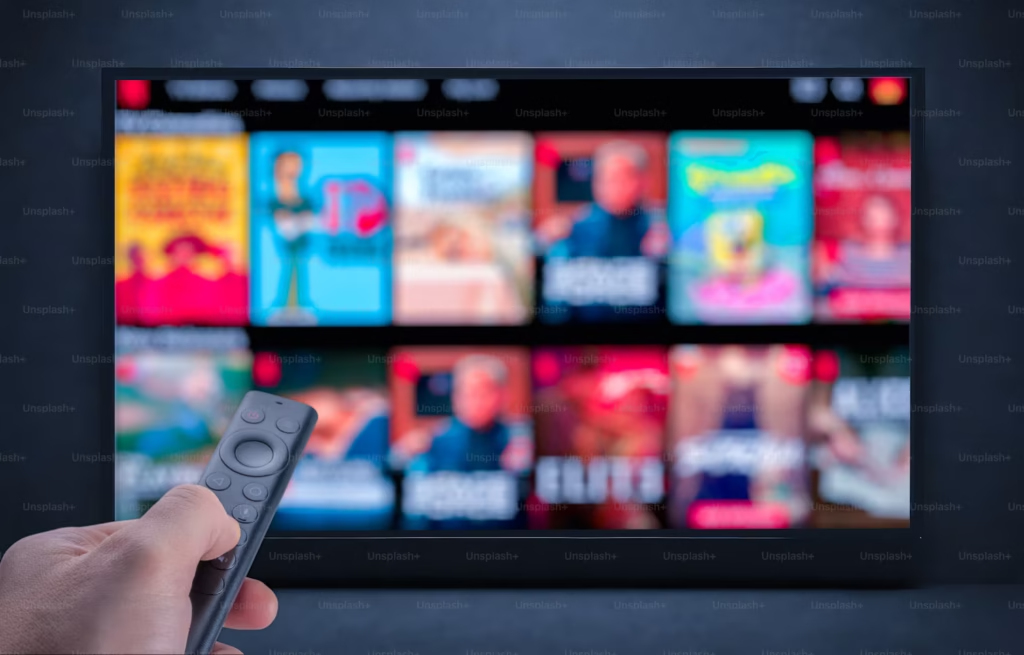
You want to watch live sports or your favorite channels on the big screen, but the search results are full of confusing download links. Some promise a TV app download for free, and others ask for strange permissions. This guide shows you how to find safe, legitimate live TV and sports apps for Smart TV, Android and PC, what free options actually exist, and how to spot a risky download before it causes trouble.
Quick Answer: Where Should You Download a TV App?
Download TV apps from the official app store for your device: Google Play for Android and Google TV, the App Store for iPhone and Apple TV, and the built-in app store on most Smart TVs. Only sign in with accounts you trust, and check that the app is published by the company you expect.
TV App Download for Smart TV: Step by Step
- Open the app store on your TV. Most Smart TVs have one built in.
- Search for the app by its official name. Check the developer name in the listing.
- Read the reviews and ratings. Look for recent comments about login problems or scams.
- Install and sign in. Use a strong password and enable two-step verification if the service offers it.
- Test a live channel. Confirm the picture and sound work before you rely on it for a game.
Naya TV App Download: What’s New in 2026
Many streaming apps now support newer Smart TV platforms and have updated sign-in screens. If you are searching for a naya TV app download, check the app’s update notes in the store, since older versions may stop working on new TV systems. Keep your TV software updated, because many app problems come from outdated operating systems.
Live TV App for Smart TV: Common Options
| Option | What it offers | Cost model |
|---|---|---|
| Google TV | Built-in home screen that gathers apps and recommendations | Free to use; apps have their own costs |
| YouTube TV | Live channels, sports and cloud DVR | Paid subscription |
| ESPN app | Live sports and highlights | Free tier plus paid options |
| MLB.TV | Live baseball games | Paid subscription |
| Local channels with an antenna | Broadcast networks in your area | One-time antenna cost, no monthly fee |
Google TV Apps: Free and Paid Options
Google TV is the home screen on many Android TV and Google TV devices. It collects apps you install, shows recommendations and lets you search across services. Some apps are free to download, while the content inside them may need a paid plan. Read the app’s pricing page before you sign up.
Google TV app free: what to expect
Free access usually means free apps, free trials or a limited free tier. Free live channels are often supported by ads, and availability depends on your country. Be cautious of any app that claims unlimited paid channels for free, because those claims are often unauthorized.
Google TV app for PC
Google TV is designed mainly for TVs, streaming sticks and Android devices. For a computer, use the service’s official website in a browser, which works on most modern systems. Avoid third-party programs that claim to install Google TV on Windows or macOS.
ESPN App and MLB Downloads: Official Sports Streaming
If you follow sports, start with the official apps. The ESPN app offers live sports and highlights, with free and paid options depending on your provider. For baseball fans, MLB.TV gives access to live games through the official MLB service, with a paid subscription and some free content during the season. Check the official sites for current plans and regional rules before you subscribe.
- ESPN official website for the latest app details
- MLB.TV information page for plans and availability
TV App Sports: How to Watch Games Without Risk
Sports fans often search for TV app sports options when a big game is on. Plan ahead: check which network holds broadcast rights in your area, then choose the official app for that network. Many sports can also be watched through a cable or live TV bundle that includes local channels.
Free-to-Air TV: A Legal Free Option
Broadcast TV is free to watch with an antenna in many areas. Local networks such as ABC, CBS, NBC, FOX and PBS broadcast over the air. Use the official AntennaWeb lookup to see which channels you can receive at your address.
How to Spot a Risky TV App Download
- The app is not in an official store, and the site asks you to install a file from unknown sources.
- It requests your bank details or card number to unlock “free” content.
- The listing has no developer name, or the reviews are mostly generic.
- It promises every channel in the world for a small one-time fee.
- It asks you to disable security settings or grant unusual permissions.
If you see these signs, close the page and use the official store instead. Malware and scams are common around popular sports events.
Step-by-Step: Choosing the Right TV App for You
- List your must-watch channels or teams.
- Check which network or service carries them.
- Compare the official app’s price and trial.
- Test the app on your device before a big event.
- Cancel or pause if you stop watching.
Real-World Example: The Weekend Game Night
A family wants to watch a Saturday game on their Smart TV. They check the team’s broadcast network, find that it is available through the official app, and sign up for the free trial one day early. The app installs in minutes, and they test the stream on Friday night. On game day, the picture works, and they cancel the trial before it renews. The lesson: a little planning avoids last-minute problems and risky downloads.
Frequently Asked Questions About TV App Downloads
Where can I download a TV app for Smart TV?
Use the app store built into your Smart TV, or the official store for your streaming device.
Is Google TV free?
Using the Google TV home screen is free. Individual apps and channels may charge subscriptions.
Can I watch Google TV on a PC?
Google TV is mainly for TVs and streaming devices. Use the official web service in your browser for PC viewing when it is offered.
What is the best free live TV option?
Free over-the-air channels with an antenna are the most reliable free option in many areas. Some apps also offer free live channels with ads.
Is it safe to download an APK file?
Files from unknown sources can contain malware or unauthorized content. Use official app stores to stay safe.
Can I watch MLB games for free?
Some games or highlights may be free in certain regions or during specific promotions. Check the official MLB site for current options.
Do I need a cable subscription to use a live TV app?
No. Many apps are standalone subscriptions, but some require a provider login. Check the app’s sign-in requirements first.
Final Thoughts
The safest way to get a TV app is to use the official store, choose the service that carries your channels, and test it before a big event. Free antenna TV is a solid option for local networks. If this guide helped, share it with a friend who is setting up a new Smart TV, and tell us in the comments which live TV app works best for your home. Techpks.com
Apps, prices and regional availability change often. Confirm details on each official website or app store listing before you subscribe.


Leave a Reply