
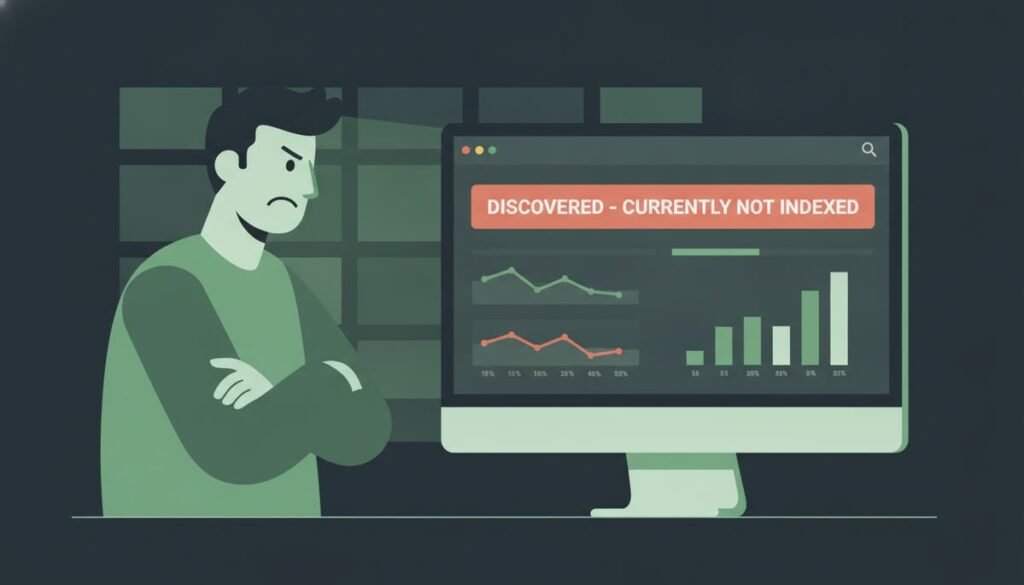
You publish a new page, submit it in Google Search Console, and wait. Days pass, and the Pages report says Discovered – currently not indexed. It feels like Google knows your page exists but does not care enough to show it. The good news is that this status is common, usually fixable, and rarely a sign of a penalty. This guide explains what it means, why it happens and the steps that help Google index your page.
Quick Answer: What Does Discovered – Currently Not Indexed Mean?
It means Google found the URL, usually through a sitemap or a link, but has not crawled it yet. Google may decide to wait, because it does not see enough value, time or crawl capacity for that page right now. It is not the same as a “Crawled – currently not indexed” status, where Google visited the page and chose not to store it.
Why Google Delays Crawling Some Pages
Google has limited crawl resources, so it prioritizes pages it expects to be useful. New sites, large sites with many similar URLs, and pages with few internal links often wait longer. Common causes include:
- Very few internal links pointing to the page
- Thin or very similar content across many URLs
- Slow server response times that make crawling costly
- A new domain with limited history
- Low-quality or duplicate-looking pages
Step-by-Step: How to Fix Discovered – Currently Not Indexed
- Open the URL Inspection tool. In Search Console, paste the page URL and check its status.
- Add internal links. Link to the page from related articles and from your main navigation or category pages.
- Check the sitemap. Make sure the URL is in your XML sitemap and the sitemap is submitted.
- Improve the page. Add original information, clear headings and a helpful answer near the top.
- Speed up the server. Slow responses can slow crawling. Use caching and compress images.
- Request indexing once. After the page is improved, request indexing one time. Repeated requests do not speed things up.
- Wait and monitor. Check the Pages report in a few weeks and look for changes.
Google’s own guidance on this is in the Search Console indexing report help page, which explains each status and what it means.
Discovered vs Crawled: Which Status Do You Have?
| Status | What Google did | Main fix |
|---|---|---|
| Discovered – currently not indexed | Found the URL, has not crawled it yet | Internal links, sitemap, page quality |
| Crawled – currently not indexed | Visited the page, chose not to store it | Improve content value and uniqueness |
Real-World Example: A Blog Post That Waited Three Weeks
A small blog publishes a guide and adds it to the sitemap. After three weeks, the URL still shows Discovered. The owner checks the site and finds that the new guide has no links from other articles. The owner adds two internal links from related posts, updates the title to answer a clear question, and requests indexing once. Within a few days the status changes to indexed. The fix was not a trick. It was simply giving Google a clear path to the page.
Common Mistakes That Slow Indexing
- Clicking Request indexing again and again, which does not speed up the queue.
- Publishing many near-identical pages with only a changed keyword.
- Leaving new pages orphaned with no internal links.
- Blocking the page by mistake with a noindex tag or robots rule.
- Ignoring server errors that slow down crawling.
Frequently Asked Questions About Discovered – Currently Not Indexed
Is Discovered – currently not indexed a penalty?
No. It usually means Google has not crawled the page yet. It is not a manual action or penalty.
How long does it take to change from Discovered to Indexed?
It can take days or several weeks, depending on the site and how many pages are waiting. There is no guaranteed timeline.
Should I delete the page?
Not right away. Improve it first. Delete or redirect only if the page is duplicate, empty or no longer useful.
Does a sitemap guarantee indexing?
No. A sitemap helps Google find pages, but it does not guarantee that Google will crawl or index them.
Will more backlinks fix it?
Good links can help, but internal links and page quality are usually the first things to fix.
Final Thoughts
Discovered – currently not indexed is a signal to strengthen the path to your page. Add internal links, improve the content, check your sitemap and request indexing once. Share this guide with someone who has a page stuck in the Pages report, and tell us in the comments which status you see most often.
Search Console reports and Google’s guidance can change. Check the official Search Central documentation for the latest details.


Leave a Reply