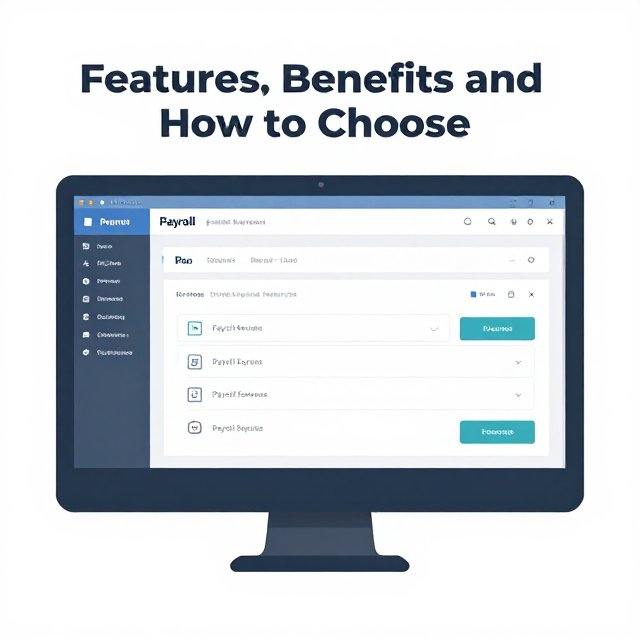
Paying employees on time and correctly is one of the most important jobs in any business. Payroll software can make it faster and safer. This guide explains what payroll software does, what features to look for, and how to choose the right option.
What Is Payroll Software?
Payroll software is a digital tool, often cloud-based, that automates tasks like wage calculation, tax withholding, direct deposit and compliance. It replaces spreadsheets and paper records with one organized system. You can read a simple overview in this payroll software explainer.
Key Features to Look For
- Automatic calculations: Gross pay, deductions, overtime and net pay.
- Tax filing and payments: Withholding, reports and filing on schedule.
- Direct deposit: Employees are paid straight into their bank accounts.
- Pay stubs and employee portals: Staff can view pay history and tax forms.
- Reports and records: Easy exports for accountants and audits.
- Integrations: Links to time tracking, accounting and HR tools. See our guide to HR software for related tools.
Benefits of Using Payroll Software
- Fewer mistakes: Built-in checks flag errors before payroll runs.
- Time savings: Work that took days can often be done in minutes.
- Better compliance: Tax rules and rates are updated for you.
- Clear records: Every payroll run leaves a digital trail.
- Happier employees: Accurate, on-time pay builds trust.
How Much Does Payroll Software Cost?
Pricing varies by provider and country. Many providers charge a monthly base fee plus a per-employee fee, and some do not publish prices at all. Always check what is included, such as tax filing, year-end forms and support.
To compare popular options side by side, use an independent list like Software Advice’s payroll software comparison.
Software Does Not Remove Your Legal Duties
This is the most important point. The IRS states that using a payroll service provider does not relieve an employer of its employment tax obligations or liability. Read the details in the IRS guidance on payroll service providers.
Record keeping matters too. The IRS advises employers to keep employment records for at least four years, as noted in its payroll tax reminder for employers. The US Department of Labor requires covered employers to keep payroll records for at least three years, as explained in its FLSA recordkeeping fact sheet. Rules differ by country and state, so check your local tax authority.
How to Choose the Right Payroll Software
- Count your employees and contractors. Pick a plan that fits now and can grow.
- Check compliance coverage. Make sure it supports your country, state or region.
- Compare total cost. Include per-employee fees, setup and add-ons.
- Test ease of use. Ask for a free demo or trial.
- Review support. Quick help matters when payday is close.
- Check security. Look for strong passwords, two-factor login and access controls.
- Plan your data move. Gather employee details, tax IDs and bank information before you switch.
If you also need bookkeeping, see our guide to accounting software for small business to choose tools that work together.
Common Mistakes to Avoid
- Choosing only the cheapest plan without checking features.
- Forgetting to review tax filings and deposits yourself.
- Not backing up or exporting payroll records.
- Ignoring local labor and wage rules.
Conclusion
Good payroll software saves time, reduces errors and helps you stay organized. Choose a tool that fits your team size and local rules, check its security and support, and keep reviewing your tax filings. With the right system, payday becomes simple and stress-free.
Last Article Click here:


1 comment